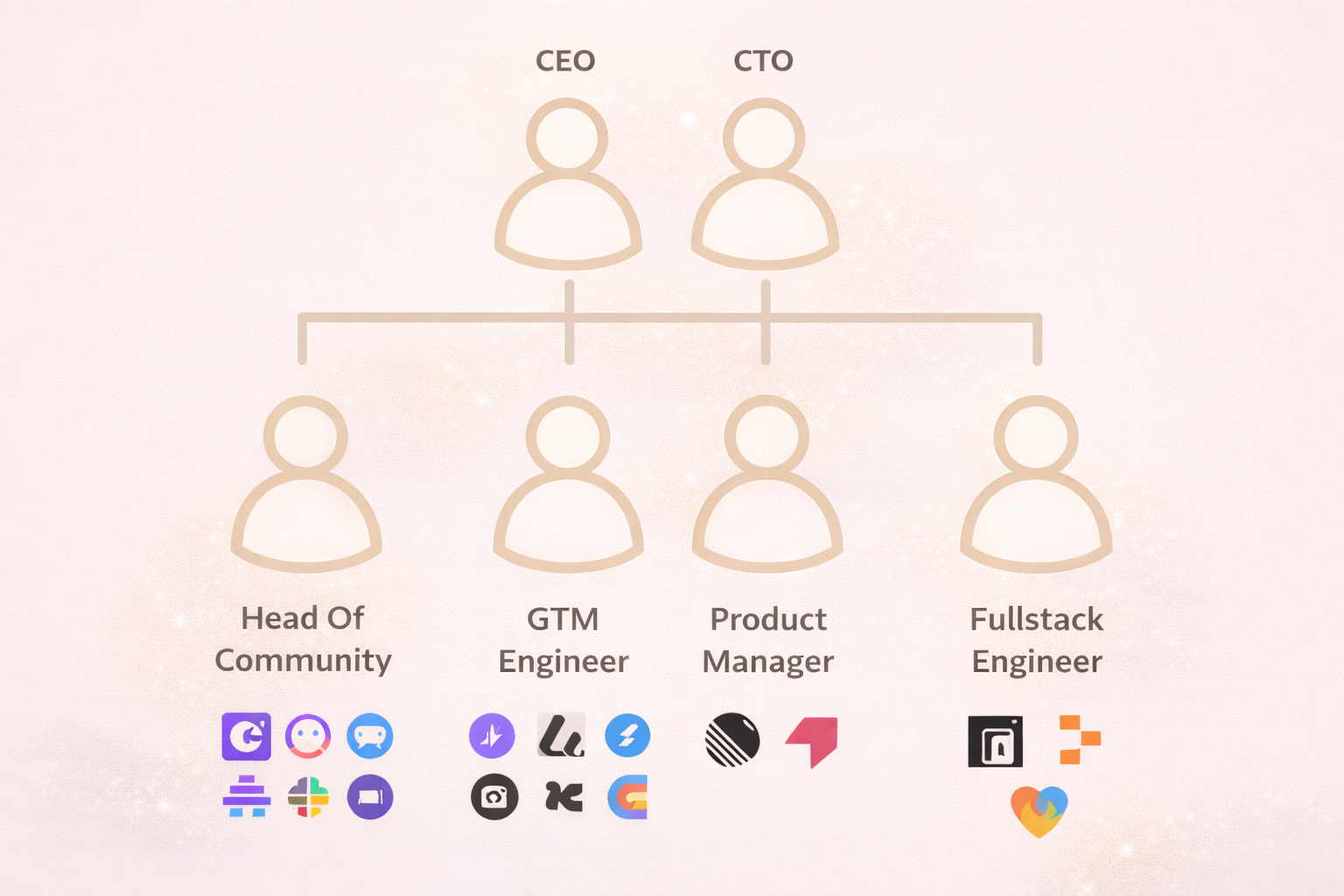
Organizational Chart Maker AI: Build Clear Team Structures Instantly
Building an organizational chart doesn’t have to be complicated, time-consuming, or manual.
With an Organizational Chart Maker AI, all you need is a simple list of people and who they report to. The AI instantly turns that data into a clean, professional org chart-ready to customize, share, or export.
Let’s walk through how AI-powered org chart creation works and why it’s the easiest way to visualize team structure.
What Is an Organizational Chart Maker AI?
An Organizational Chart Maker AI uses structured data to automatically generate a visual hierarchy of your organization.
Instead of manually arranging boxes and connectors, you provide:
- Employee names
- Reporting relationships (manager or supervisor)
- Optional details like job titles or photos
The AI handles the layout, hierarchy, and design instantly.
Make Org Chart with AI
Prepare Your Org Chart Data
To create an org chart, you need data with relationships.
A simple structure works best:
- Name
- Manager (who the person reports to)
- Optional: Title, department, photo
This data can come from anywhere:
- Spreadsheet files
- Documents
- Emails
- Plain text or notes
As long as reporting relationships are clearly defined, the AI can understand the hierarchy.
Generate an Org Chart Instantly

Once your data is ready, you simply paste or upload it and ask the AI to create an org chart.
Within seconds, the AI generates a complete organizational chart showing:
- Leadership at the top
- Reporting lines
- Nested team structures
No dragging, no formatting, no layout work required.
Customize Styles and Layouts
Organizational Chart Maker AI allows you to switch between multiple visual styles.
You can:
- Change chart layouts
- Add or remove profile photos
- Adjust spacing and colors
- Choose clean or visually rich designs
This makes it easy to match your org chart to your company’s brand or presentation style.
Edit Roles and Team Structure Easily
If something changes-like a title update or a new team member-you don’t need to rebuild the chart.
Because the org chart is powered by data:
- You can edit the underlying data
- Add new employees
- Update reporting lines
- Correct titles or roles
The org chart updates automatically to reflect the changes.
Highlight Specific Team Members
For presentations or onboarding, you may want certain roles to stand out.
With AI-powered org charts, you can:
- Highlight individual employees
- Adjust borders or emphasis
- Make it easy to see where someone fits in the organization
This is especially useful for leadership meetings or company-wide presentations.
Filter Org Charts by Team or Department
Since the chart is data-driven, you can filter your organization to create focused views.
For example:
- Senior leadership team only
- One department or function
- Direct reports under a specific manager
The visual updates instantly based on the filtered data.
Add Photos to Humanize Your Org Chart

Many Organizational Chart Maker AI tools support profile images.
By adding photos:
- Teams become easier to recognize
- New hires can learn faces faster
- Org charts feel more personal and engaging
Images are pulled directly from the underlying data table.
Export and Share Your Org Chart
Once your org chart is ready, you can export it in multiple formats:
- PNG images for slides
- PDF for documents
- Shareable links for teams
You can also embed org charts into presentations or internal documentation.
Build Org Charts Faster with VizMint
This is exactly what VizMint is built for.
VizMint lets you:
- Upload structured team data
- Instantly generate org charts using AI
- Customize styles, layouts, and visuals
- Keep charts in sync with changing data
- Export and share with ease
No design tools. No manual layout. Just clear team structure-instantly.
Final Thoughts
Organizational Chart Maker AI changes how teams visualize structure.
Instead of spending hours designing charts, you focus on understanding your organization and communicating it clearly.
If you want a faster, smarter way to build org charts, VizMint helps you turn team data into clear organizational visuals in minutes.